
July 21, 2026
5 mins


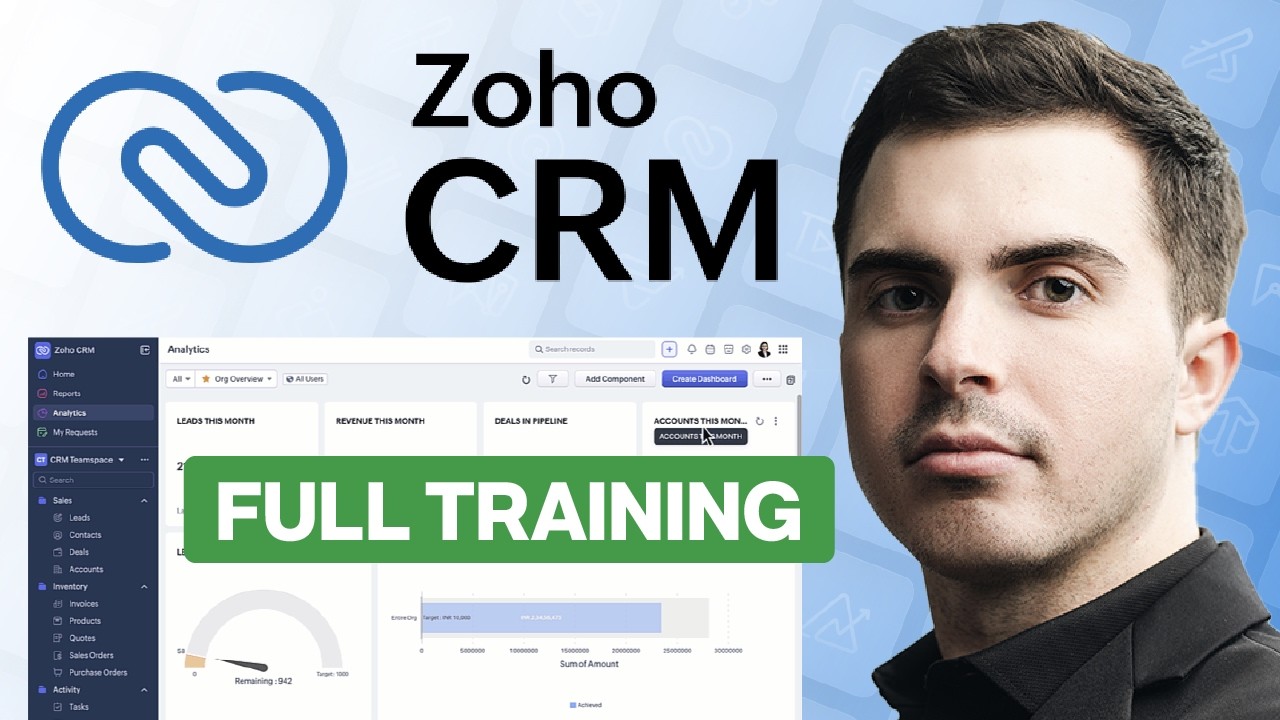

Good Zoho CRM training goes beyond learning how to click through the system. It should help your team understand how the platform supports your sales process, reporting, and daily workflows. The strongest Zoho setup starts with clear processes, then moves into customization, integrations, data migration, and team training. When planning is skipped, businesses often end up with confusion, messy data, and low adoption. A well-structured training program helps users feel confident, gives administrators a clear direction, and provides leadership with better visibility into performance.
Who This Is For
Key Takeaways
A lot of businesses start learning Zoho CRM the wrong way. They log in, add a few users, import customer data, turn on some automation, and hope the system somehow falls into place. It usually does not. The result is a Zoho account that feels cluttered and harder to scale.
That is why effective Zoho CRM training matters so much. The goal is not simply to teach people how to access the system or update a record. The goal is to help a business create a CRM that reflects how it sells, serves customers, tracks performance, and improves over time. Good training gives structure to that process. It helps businesses avoid expensive mistakes and reach the full potential of the Zoho CRM platform.
At Brockbank Consulting, Zoho CRM training is treated as part of the implementation, not an afterthought. When training is done right, your team understands the logic behind the system, your administrators know how to manage customization, and leadership has the reports needed to make better decisions. That’s why I recommend our Zoho CRM masterclass.
Zoho CRM is powerful, but power without structure creates friction. Many Zoho CRM users only see the surface. They see fields, contacts, leads, tasks, dashboards, and workflow rules. What they may not see is that every part of the system needs to connect back to a real process inside the business.
If that process is unclear, the CRM becomes messy fast. Leads get stuck in the wrong stage. Reports stop reflecting reality. Sales managers lose confidence in the numbers. Team members stop updating the system because it feels like extra work instead of a useful tool.
Strong CRM training solves that problem at the root. It helps teams understand what each stage means, what information belongs in the system, when records should move, and how automation should support the process instead of complicating it. It also gives Zoho CRM administrators the knowledge to create a setup that is practical, maintainable, and easier to improve later.
This is where many generic online training options fall short. A course may explain a feature, but not how to implement it in a way that supports real operations. A better approach teaches both the software and the business logic behind it.
Before a company starts customizing Zoho, it needs to define what it is building. This sounds obvious, but it is often skipped. Businesses feel pressure to move quickly, so they start creating modules, editing layouts, and building automation before they have written down their actual workflow.
That shortcut leads to rework.
A strong Zoho CRM training plan starts with documentation. Teams should map the customer journey in a way that is easy to understand. That means identifying the main stages in the pipeline, the meaning of each stage, and the handoff points between marketing, sales, and operations. This process should be simple enough that a new team member can read it and understand how the business moves a lead toward a closed deal.
This step is especially important for Zoho CRM administrators and those responsible for system setup. If they do not have a clear process, they will be forced to guess. Guesswork in CRM design leads to extra fields, weak reports, and automations that fire at the wrong time.
When you document the process first, customization becomes much easier. You know what to build, what to leave out, and what success should look like.
Not every user needs the same kind of training. This is one of the most important principles in Zoho CRM training, yet it is often overlooked.
Administrators need a deeper understanding of the Zoho CRM platform. They need to know how modules connect, how workflow rules function, how dashboards are built, how reports pull data, and how integrations affect the larger system. They also need the knowledge to manage customization, user permissions, automation, and system maintenance over time.
End users need something different. Sales reps and account managers need training that is focused on their daily work. They need to know how to update leads, manage contacts, complete tasks, use email insights, review dashboards, and keep customer relationships moving forward. They do not need a deep lesson on every backend setting. They need practical guidance that helps them do their job well.
When these two groups are trained the same way, both lose. Administrators do not get enough depth. Standard users get overwhelmed by tools they will never touch. Strong CRM training respects the differences and creates a plan that fits each role.
That is one reason tailored Zoho CRM training courses are so valuable. They help businesses avoid one-size-fits-all instruction and instead create a training experience that matches the team.
Zoho CRM rarely works best as a stand-alone system. Businesses often rely on Zoho apps like Zoho Forms, Zoho Projects, Zoho Desk, Zoho Books, Zoho Analytics, Zoho Creator, and Zoho Campaigns to support different parts of the customer journey. These tools can create a powerful connected system, but only if the integrations are handled correctly.
This is another area where training makes a big difference.
Teams need to understand that Zoho One is not one giant database. Each app has its own purpose and its own structure. Integration is what helps those tools share data in a useful way. If a company delays setup until later, it often creates extra migration work, duplicate records, and disconnected reporting.
A smart training plan helps teams identify which Zoho products matter most right now. It also helps them understand how customer data should move across the system. For example, a lead captured in a form may need to flow into Zoho CRM, sync with campaigns for nurture sequences, then connect to projects after a deal closes. That process should feel intentional, not pieced together.
This is where training and guided consulting can all play a role. The format matters less than the clarity. Teams need to know how the system is supposed to work before they start relying on it.
One of the biggest benefits of learning Zoho CRM well is reporting. A CRM should not only store customer data. It should help a business understand performance and improve weak points in the process.
That is why strong Zoho CRM training should include dashboards, reports, and attribution. If your business cannot see where leads drop off, which marketing efforts convert, or how sales performance changes over time, then the CRM is not giving you enough value.
The best reporting does not start with a dashboard. It starts with a clean process. When stages are defined well, and users follow them consistently, your reports become reliable. Then, sales managers can see where leads stall. Leadership can review the customer base with more confidence. Teams can manage customer relationships with better timing and clearer priorities.
This creates a major shift in how businesses use software. Instead of reacting to problems late, they can spot issues earlier. Instead of guessing which efforts drive sales, they can search the data and act with more confidence.
A CRM migration is not just a technical project. It is also a training project. When businesses move data into Zoho without preparing users, confusion sets in quickly. People see new layouts, new records, new workflows, and no clear guidance on how to use them.
That is why good Zoho CRM training should be tied directly to implementation. A team should understand the basics of the new system before a full launch. Sample data, test users, and a limited rollout can help reduce risk. This gives the business time to validate the setup and build knowledge before everyone is working in the live system.
It also gives Zoho CRM users time to feel confident. That matters more than many companies realize. If the first experience feels chaotic, adoption drops. If the rollout feels guided and practical, the team is more likely to engage with the system and trust it.
Many businesses search for Zoho CRM training courses because they want quick answers. That makes sense. They want to create reports, manage leads, build automation, and move faster. Still, the best outcome is not just short-term knowledge. It is a long-term capability.
A well-trained team can manage updates, improve workflow rules, maintain dashboards, support collaboration, and keep the system aligned with the business as it grows. That is especially important when businesses expand their use of Zoho into project management, custom application development, analytics, marketing tools, or broader operations support.
Brockbank Consulting helps businesses implement Zoho in a way that supports long-term growth. That includes strategy, setup, migration, training, and ongoing improvement. It also includes helping teams avoid common mistakes that limit adoption and weaken reporting.
If your business wants more than basic online training, working with an expert partner can save significant time and reduce risk. It can also help your team use Zoho with more purpose, not just more activity.
The right Zoho CRM training helps teams build a system that supports sales, improves management visibility, strengthens customer relationships, and lays a better foundation for growth. When training is tied to process, implementation becomes smoother. When training is tied to real roles, users gain knowledge they can actually apply. When training is tied to reporting, the business can improve with confidence.
If you want expert support with Zoho CRM, customization, dashboards, workflow rules, or team training, book a free consultation with Brockbank Consulting. You can also watch the full video for a deeper look at how to implement Zoho the right way.


Book your free consultation to learn how Zoho should work for your business. We will show you the best practice ways to set it up and use it for your industry so you get the most out of Zoho.


Dive deeper into our expert articles.





